
pluris 26.2 — bring your passwords with you
pluris 26.2 is on the App Store. The vault that arrived on iPhone in 26.0 is now a credential provider, it takes and gives back encrypted backups, and — the part we would point at first — it can receive your passwords from Apple Passwords without a file ever touching your disk.
No more CSV
Every password manager can export a CSV, and every password manager can import one. That is how people have moved between them for a decade, and it means a plaintext file holding every password you own sits in Downloads until someone remembers to delete it.
iOS 26 adds a better way: Credential Exchange, an app-to-app handover the operating system brokers. You open Apple Passwords, choose Export Data to Another App, pick pluris from the list, confirm with Face ID, and the credentials arrive in pluris directly. Nothing is written anywhere in between. It works in the other direction too — pluris can hand your vault to another manager the same way.
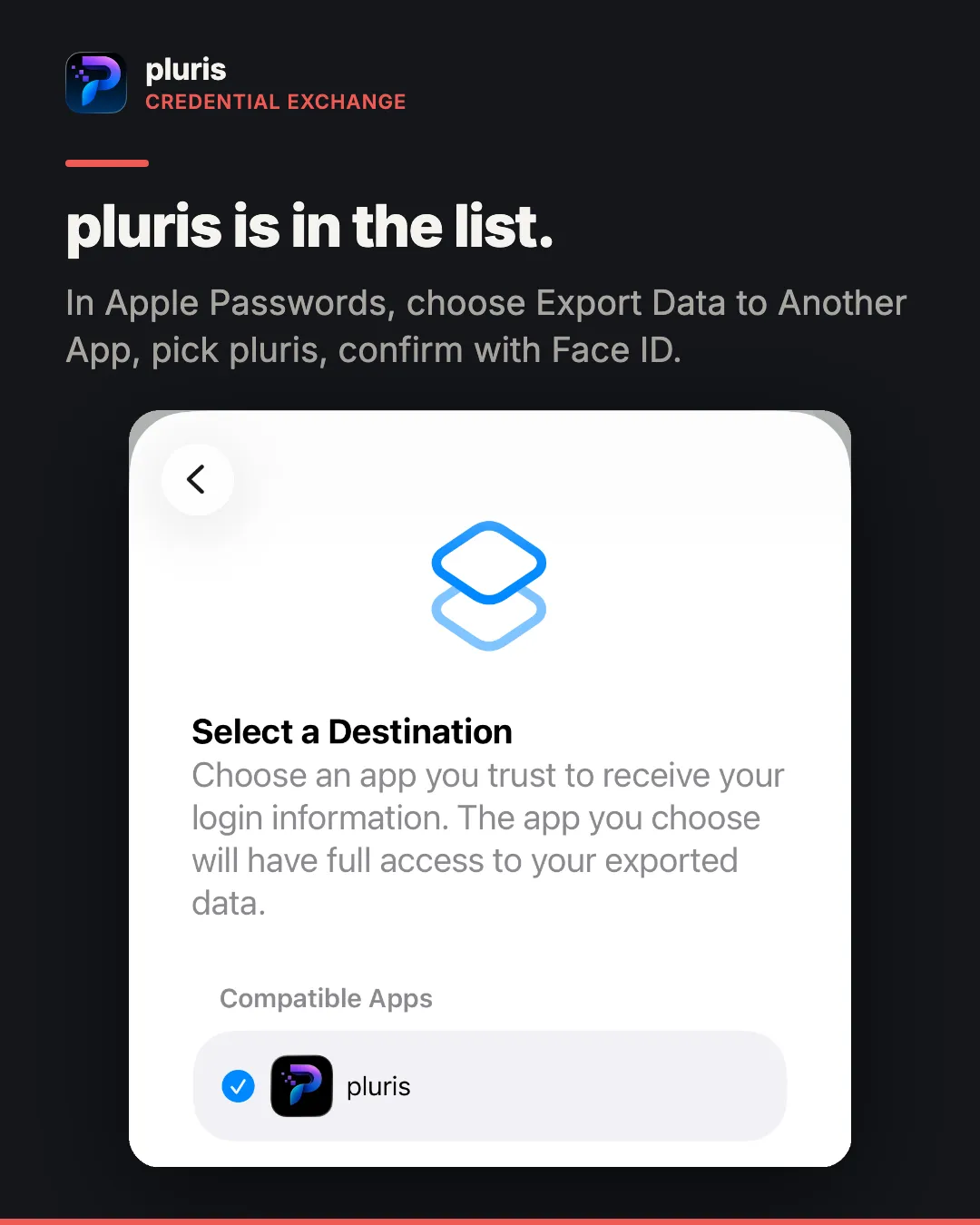
On the receiving side you get the same review screen every other import uses: every item listed with its secret masked, duplicates against what you already have flagged, and each row ticked or unticked before anything is written.
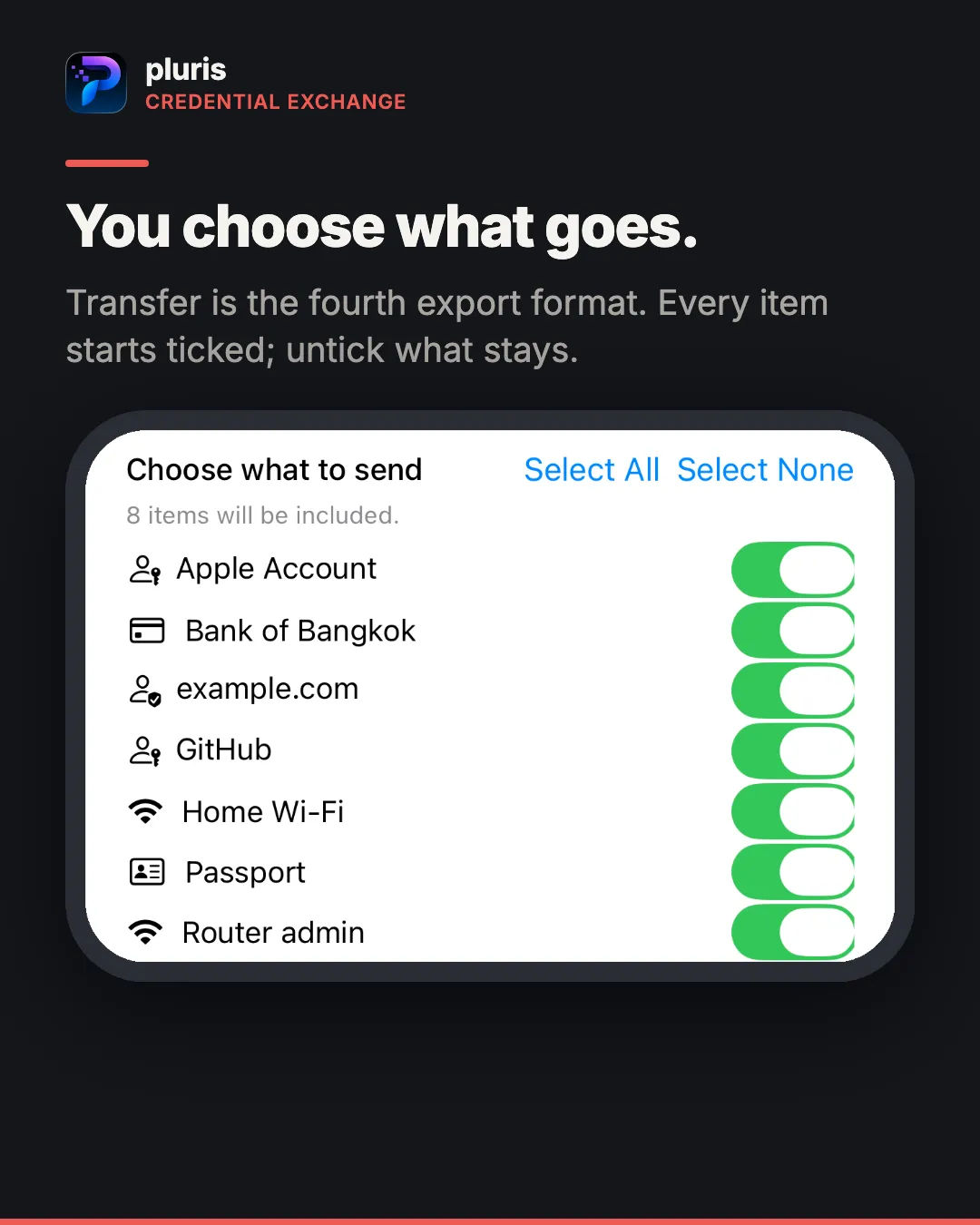
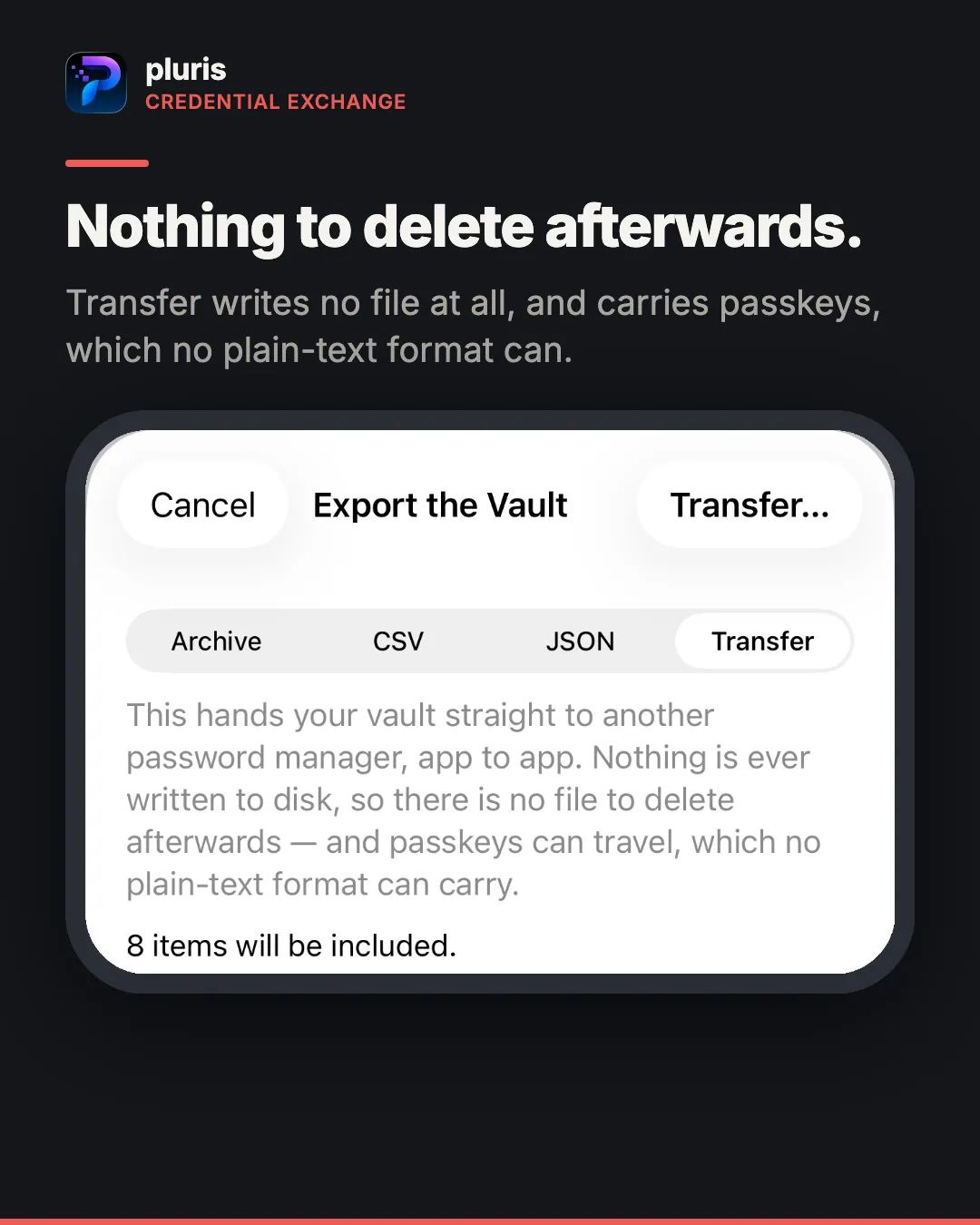
It works the other way too. Transfer is pluris’s fourth export format, beside Archive, CSV and JSON: every item starts ticked, you untick what stays, and the other app receives them directly. Nothing is written to disk on the way, so there is no file to delete afterwards — and passkeys travel, which no plain-text format can carry.
One detail for people moving a large vault: a free transfer brings in ten items, and Pro brings in all of them. Restoring your own pluris backup is never capped — that is your data coming back, not an import.
AutoFill and passkeys on iPhone
pluris is now a credential provider on iPhone. Turn it on under Settings → General → AutoFill & Passwords and it offers your logins wherever iOS shows the AutoFill bar, and signs you in with passkeys wherever a site offers them.
Backups that are actually backups
iCloud Keychain sync is not a backup. It replicates a deletion as faithfully as a write, which is exactly the property a backup must not have. So 26.2 adds an encrypted archive — passphrase-protected, every category including passkeys, and the only pluris format that restores. Restoring goes through the same review as any import, so a restore into a vault that already has items merges rather than overwrites.
If you are leaving, there is a plain CSV and a plain JSON, and before either is written pluris tells you which categories the format cannot carry — a recovery phrase does not fit in a CSV, and a file that looks complete but is not is worse than one that refuses.
A vault audit
Which passwords are reused, which are weak, which rotations are overdue. The reuse check works without decrypting anything: pluris compares keyed fingerprints, not values, so the report draws from what the list already holds. Checking strength is a separate button, because it opens every item — and a screen next to browsing should not be the most expensive thing in the app.
Also in 26.2
- Community spam lists in Call Shield, and your own spam sources by URL —
httpsonly, validated before anything is saved (Pro) - The count card at the top of the Contacts and Photos hubs opens the full list
- Emptying the contacts trash no longer needs Pro; it asks first, because it is the one contact action nothing can undo
- Onboarding now shows the vault and the transfer, so people who already had pluris learn where it lives
- pluris Pro has a 14-day free trial
Where the data goes
Unchanged, and worth repeating: your contacts, messages and photos are read on the device and stay there. Vault items live in the iOS keychain and sync between your own devices through iCloud Keychain. There is no pluris account and no server of ours, because there is nothing to have one for.
More
- pluris on red8.io — what it does, and what it costs
- Support